Physical Security Keys (PSK)
Why do some customers need a Physical Security Key (PSK)?
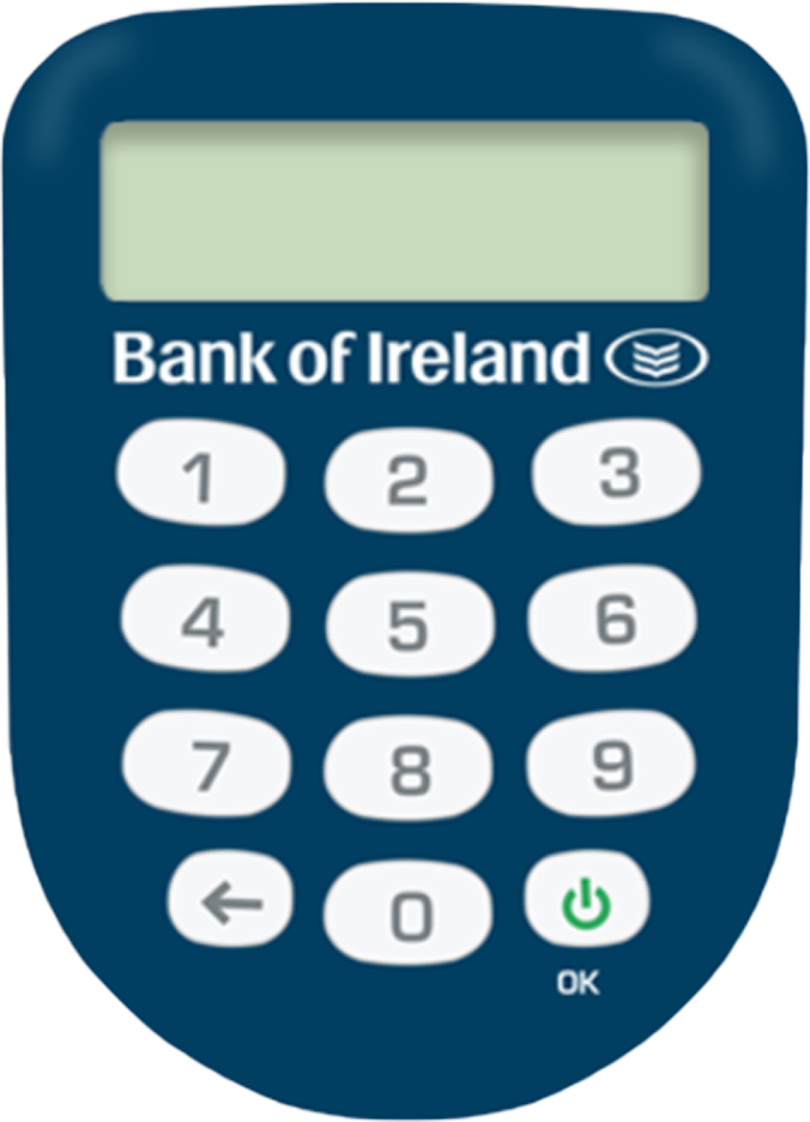
When you bank online, you must use a security device to help keep your account secure This can be the Bank of Ireland mobile app on your smartphone or tablet, or a PSK. We recommend you use our mobile app. However, if this is not suitable for you we can provide you with a PSK.
What is a PSK?
The PSK generates instant codes to help you keep your account secure, so you can log in and complete other banking tasks.
Any time you log in online, you will need your 365 PIN and a code that appears on your PSK. This helps keep your banking information safe.
How to order a PSK or replace an existing PSK
The best way to order a new or replacement PSK is by calling us during business hours.
Calling from the Republic of Ireland:
Calling from anywhere else:
We’re open:
- Monday to Friday 9am to 8pm
- Saturday 10am – 6pm
- Bank holidays 9am to 5pm
- Closed Sundays.
How to set up your PSK
Before you can use your PSK, follow the steps below to set it up. You’ll need your 365 user ID and 365 PIN for this.
- Turn on PSK using the green OK button (under the number 9 key).
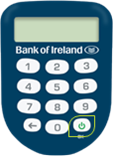
- Enter 1254.
- When asked to create a New PIN, type in a unique four-digit PIN that you will remember and press the green OK button. This will be your new PSK PIN.
- When asked, enter your new PSK PIN again, and press the green OK button.
- Now, go to 365online.com in your web browser and log in. You will need your PSK to hand. You’ll also need to enter the last four digits of the serial number on the back of your PSK.
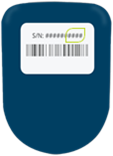
- Once you have entered the last four digits of the serial number, select Activate on screen. Next, select Continue to login.
How to use a PSK for online banking
Once you have activated your PSK, you need to have it with you to log in to 365 online, and carry out activities such as:
- Setting up a new payee
- Making a payment
- Changing your contact details
Keep your account safe
We will never call, text or email asking you to share your six-digit passcode, one-time activation codes or your full 365 PIN. We will never ask for your full card details. Do not share them. Remember, we will never ask you to transfer money out of your account to protect yourself from fraud. For more information, visit Security Zone on our website.